Now in early access

A desktop that runs itself.

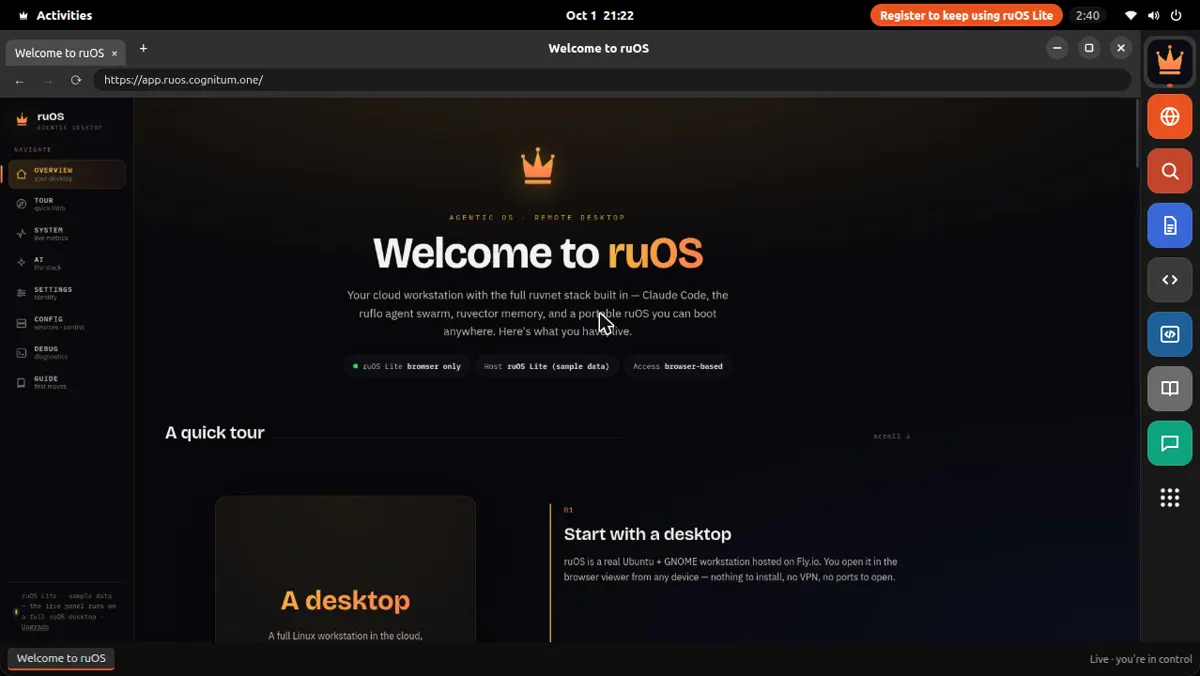
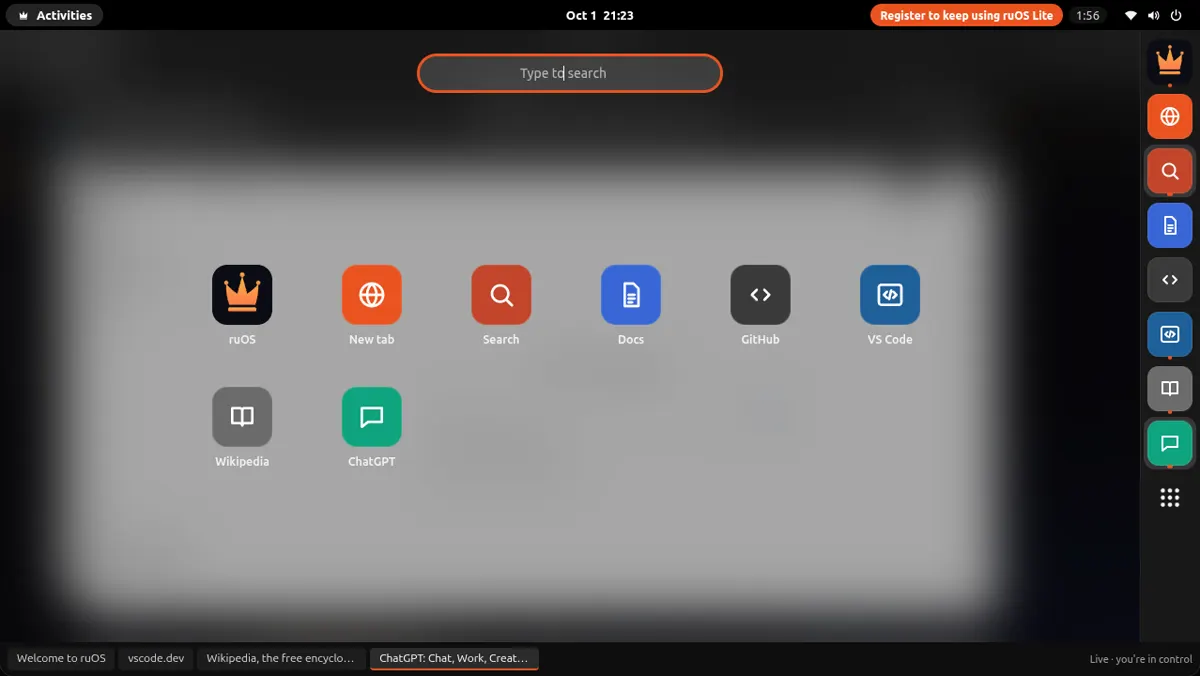
ruOS is your own agentic desktop, with smart AI built in that does the work for you — research, writing, code, and more. Open it in any web browser, on any device. Nothing to install.

Works in any browser Saves your work Resizes to your screen
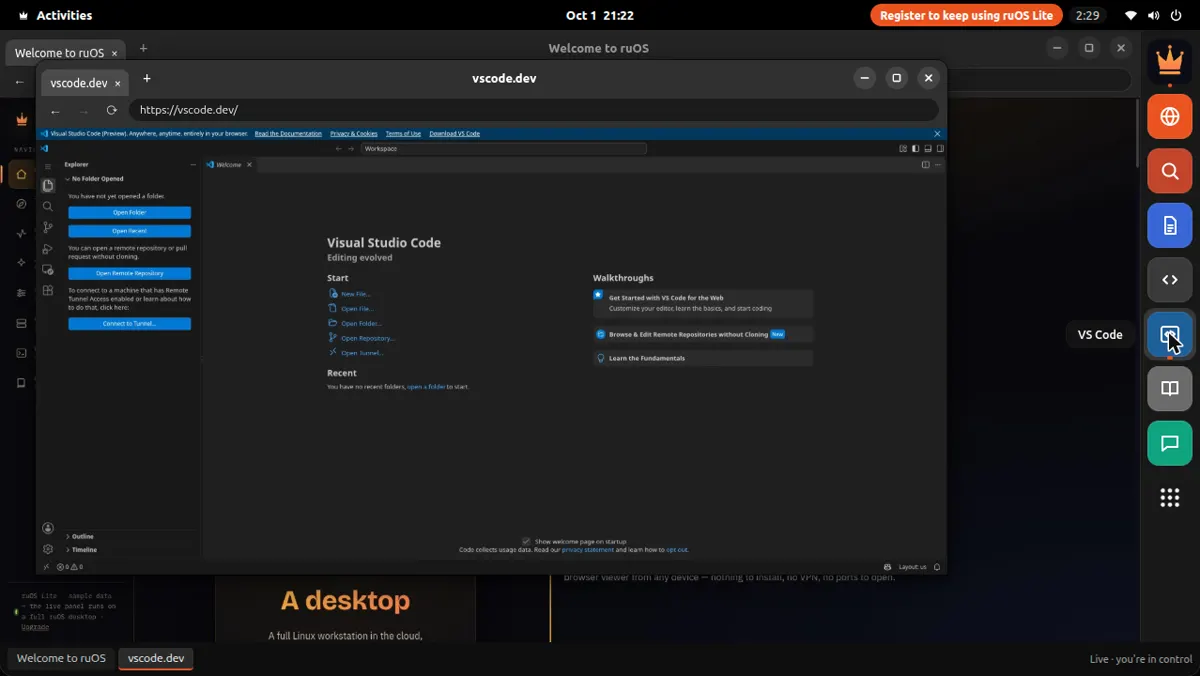
What's inside Claude Code writes code ruflo a team of helpers ruvector remembers your work ruview understands your screen Codex extra coding help VS Code the editor
How it works

From sign-up to done — on its own.

Four simple steps: sign up, your desktop turns on, the AI does the work, and you open it from anywhere.

Step 01

You sign up

Enter your email and we set up your own private desktop. No setup, nothing to configure.

Step 02

Your desktop turns on

Your desktop starts up in seconds, with all the AI helpers signed in and ready.

Step 03

The AI gets to work

Ask for something and it's done — a whole team of AI helpers researches, writes, and codes while you watch or step away.

Step 04

Open it anywhere

Your desktop opens right in your web browser and fits any screen — the same work on your Mac, iPad, or laptop.

What you get

Everything's ready the moment you sign in.

Nothing to set up. It all works together from the first minute — so you can just start.

Smart AI helpers, built in

Helpers that write and run code, research on the web, remember your projects, and understand what's on your screen — all working together from day one.

Claude Code — writes & runs code ruflo — a team of AI helpers ruvector — remembers your work ruview — understands your screen Codex — extra coding help VS Code — the code editor

Any device, just a browser

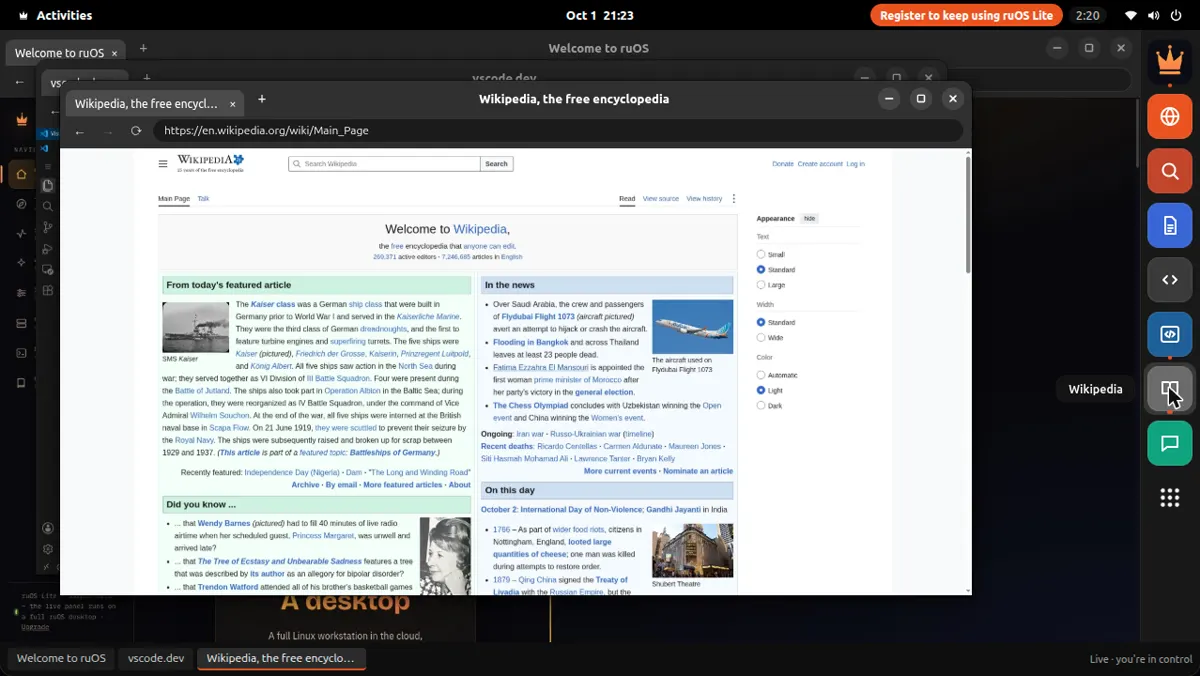
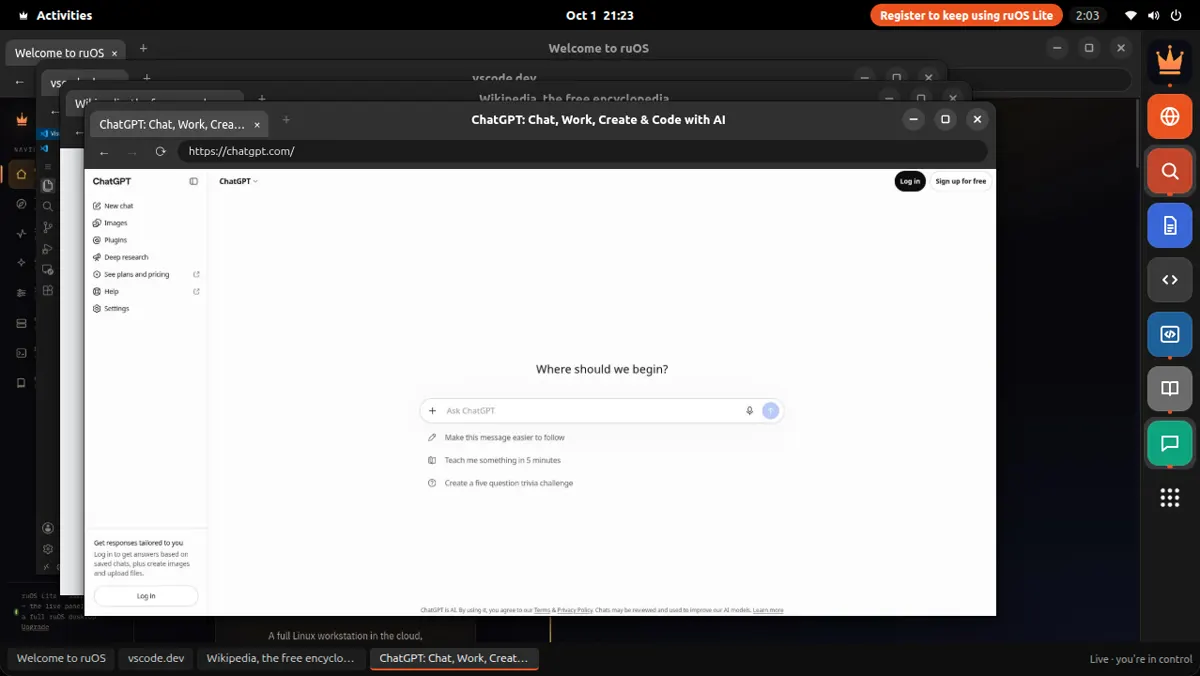
Open your desktop right in your web browser — on a Mac, iPad, Chromebook, or Linux laptop. Nothing to install, nothing to set up.

Fits any screen

It reshapes to your window the moment you open it — sharp on a big monitor, comfortable on a tablet. No fiddling with zoom.

Always where you left off

Your files and everything the AI has learned are saved automatically. Close the tab, come back tomorrow, and pick up right where you left off — even from a different device.

More power when you need it

Start with a light plan for everyday work, and switch to a faster, more powerful one when you're doing something heavy. Your desktop stays exactly the same.

Yours and private

Your desktop is your own — your files, your work, your AI. Kept separate and private from everyone else's.

What's inside

One desktop. Everything works together.

The AI that writes code works alongside a team of helpers, remembers what you're doing, and understands your screen — with a full code editor in the same place.

ClaudeCode ruflohelpers ruvectormemory ruviewscreen Codex VS Code yourfiles
What you can do

Here's what it does for you.

Simple things you can ask for — and it just does them.

Writes code

It writes and runs code

Tell it what you want changed. It edits the files, runs the tests, and tells you when it's done.

Works as a team

A whole team, at once

It splits a big job across several AI helpers that work side by side.

Remembers

It remembers your projects

It keeps track of what you're working on, so you never have to explain things twice.

Researches

It researches for you

Ask a question and it browses the web, reads the sources, and brings back the answer.

researching…
Goes with you

Pick up on any device

Your whole desktop goes with you — start on your laptop, keep going on your iPad.

OS
Getting started

Up and running in three steps.

No setup, no waiting. Get your desktop and go.

1

Sign up

Enter your email and we set up your own private desktop, with all the AI helpers ready to go.

2

Open it in the browser

Click Launch and your desktop opens right in your web browser — on any device, fit to your screen. Nothing to download.

3

Let it work for you

Ask it to research, write, or code. It gets the job done and saves everything for next time.

◇ For developers · power users

Build on ruOS.

Under the hood it's a real Linux box with the full ruvnet stack and programmatic control. Everything here is already installed on your desktop — this is what you can wire up once you're in.

Control it with MCP

ruOS runs an MCP server — ruos-computeruse-mcp — so an AI client like Claude can drive the desktop for real: see the screen, move the mouse and type, run shell commands, trigger system actions, and change the resolution on the fly.

screenshot mouse_move / left_click type_text / key (xdotool) run_shell system_action desktop_resolution
point an MCP client at your desktop — stdio over SSH
claude mcp add ruos-desktop -- ssh you@your-ruos-desktop ruos-computeruse-mcp
Resize after launch: desktop_resolution { preset: "1440p" } — presets 720p · 1080p · 1440p · qxga, or a custom width × height, applied server-side via xrandr. Connection is stdio over SSH today; a hosted MCP endpoint is on the roadmap.

The ruvnet stack, one command away

It's all preinstalled. Open a terminal on your desktop and go — these are the same commands the AI helpers run for you.

set up agent-swarm orchestration
npx @claude-flow/cli@latest init --wizard
spin up a team of AI agents
npx @claude-flow/cli@latest swarm init --topology hierarchical
give your agents long-term, self-learning memory
npx ruvector
run the ruflo agent runtime
npx ruflo
Tiers

Start free. Add power when you need it.

Pick a plan. Change it whenever you like — your desktop and files stay the same.

Free
$0 / early access

A free desktop to try everything while we're just getting started.

  • Your own agentic desktop
  • All the AI helpers built in
  • Opens in any web browser
  • Your files saved and ready
Join the waitlist
Standard · popular
Standard / your own desktop

Your own dedicated desktop for everyday work, with room for the AI to run big jobs.

  • A desktop that's all yours
  • More speed and memory
  • The AI can run big jobs
  • Bigger storage, faster start
Get early access
Pro
Pro / more power

A faster, more powerful desktop for heavy jobs like training and big projects.

  • Top speed and power
  • Runs the biggest jobs
  • Handles heavy AI work
  • Everything in Standard
Talk to us
Early access

Get your agentic desktop.

Enter your email and we'll send an invite the moment your desktop is ready. You'll be up and running in minutes.

No spam. One invite email, and product updates you can opt out of anytime.

You're on the list.

Check your inbox — we'll send your ruOS invite as soon as a desktop is ready for you.